
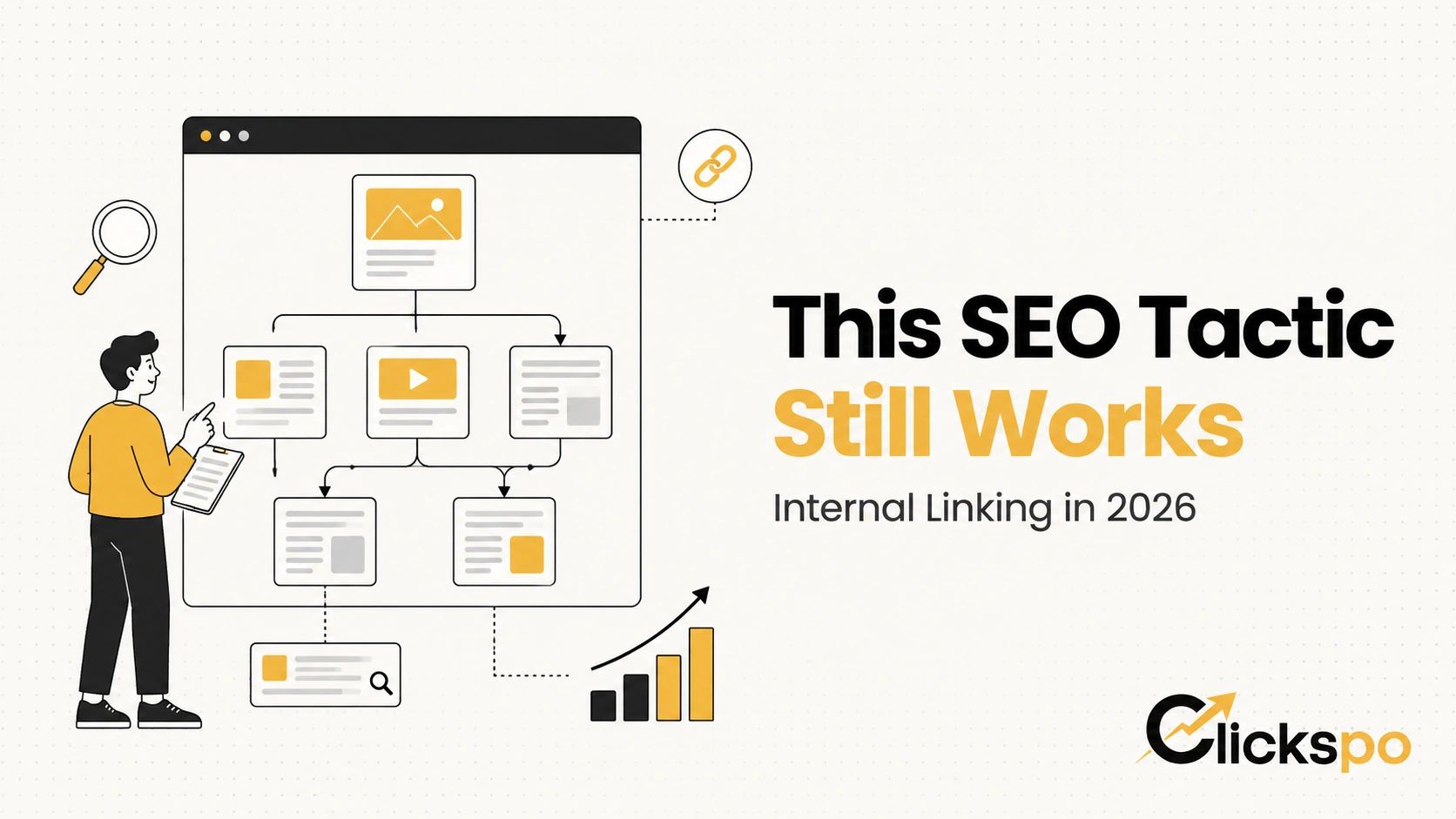
Internal linking is one of those SEO activities that sits fully within your control, costs nothing to implement, and consistently gets deprioritised in favour of backlink building and content creation. After working across client sites in Hong Kong spanning law firms, dental clinics, physiotherapy practices, gyms, and e-commerce operations, our team at Clickspo has a clear view on this: internal linking is not a nice-to-have. It is one of the most direct levers available for improving how Google crawls, understands, and ranks your existing content.
Our Ahrefs research shows that “internal linking SEO” generates 2,300 monthly searches in the US market at a keyword difficulty of 57, with a traffic potential of 17,000. “Internal linking best practices” generates 1,000 monthly searches. “How many internal links per page SEO” generates 1,200 monthly searches at a difficulty of just 4, which tells us that practitioners at all levels are actively looking for guidance on this topic. The top-ranking pages for “internal linking SEO” include Yoast at domain rating 91 with 16,366 monthly visits to that article and 1,426 referring domains, and Semrush at domain rating 92 with 4,183 monthly visits. These set the competitive standard this article is built to match.
What Internal Linking Actually Does
An internal link is any hyperlink that points from one page on your website to another page on the same website. Navigation menus, breadcrumbs, footer links, and contextual links embedded within content all count.
Internal links serve three distinct functions that matter for SEO:
- They help Google discover pages that might not be found through external links or your sitemap alone
- They distribute authority across your site, passing link equity from stronger pages to pages that need it
- They communicate the topical relationship between pages, helping Google understand your site’s content architecture
The third function has grown in importance as Google’s understanding of content has become more sophisticated. A well-structured internal linking system does not just connect pages. It tells Google a story about how your topics relate to each other, which pages are most important, and what your site is an authority on. This is the foundation of what the industry now calls topic clusters or content silos, and internal linking is the mechanism that makes them work.
Internal Linking and PageRank: How Authority Flows Through Your Site
Google’s original ranking algorithm was built on the concept of PageRank, which treated each link as a vote of confidence. External backlinks from authoritative sites pass authority to your pages. Internal links then redistribute that authority across your own site.
The practical implication is significant and consistently underused. If you have a page that has earned strong external backlinks, that page has accumulated authority. Every internal link from that page to another page on your site passes a portion of that authority to the destination. If your high-authority pages only link to your homepage and your contact page, you are concentrating authority in pages that typically need it least and starving your service pages and content of the equity they need to rank.
This is not a theoretical concept. We regularly identify internal linking patterns during technical SEO audits that directly explain why certain pages on a site rank below their content quality would suggest. The fix is often not more backlinks or better content. It is redistributing internal link authority more strategically.
The Three Types of Internal Links and How Each One Works
Not all internal links carry equal SEO weight or serve the same purpose. Understanding the differences helps you prioritise where to invest your linking effort.
| Link Type | Where It Appears | SEO Value | Primary Function |
|---|---|---|---|
| Contextual links | Within body copy of pages and articles | Highest | Passes authority, signals topical relevance, aids discovery |
| Navigational links | Header menus, sidebars, breadcrumbs | Medium | Site structure, consistent crawl paths, user navigation |
| Footer links | Site-wide footer | Lower | Sitewide presence, useful for important pages like Contact and Terms |
Contextual links, the links embedded within the actual content of your pages, carry the most SEO value for two reasons. First, Google gives more weight to links that appear naturally within relevant content than to links in navigation menus that appear identically on every page. Second, the anchor text surrounding a contextual link provides topical context that navigation links rarely do.
This is why simply having a well-structured navigation menu is not sufficient as an internal linking strategy. The links within your articles and service page copy are where the most meaningful authority distribution and topical signalling happens.
Anchor Text: Why the Words You Link With Matter
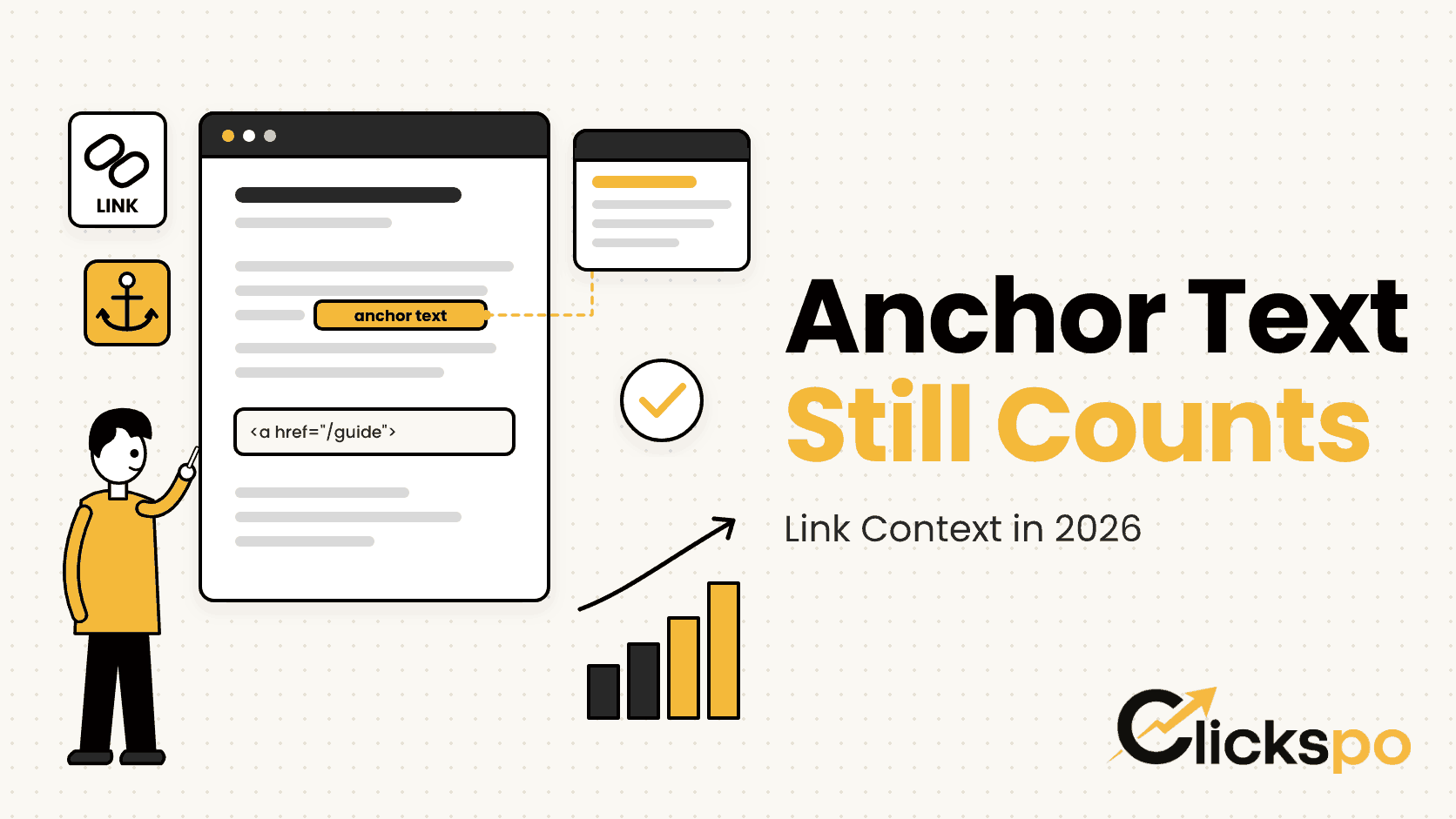
Anchor text is the clickable text of a hyperlink. In internal linking, anchor text is one of the strongest signals Google uses to understand what the destination page is about.
When we link to our keyword research service page with the anchor text “keyword research,” we are telling Google that the destination page is about keyword research. If we linked to the same page with the anchor text “click here,” Google receives no useful topical information about the destination.
The principles for effective internal link anchor text are:
- Use descriptive, keyword-rich anchor text that accurately describes the destination page’s topic
- Vary your anchor text naturally across different links pointing to the same page — identical anchor text on every link looks unnatural
- Avoid generic anchors like “click here,” “read more,” or “learn more” for contextual links
- Match the anchor text to the primary keyword the destination page is targeting where possible
- Keep anchors concise — two to five words typically strikes the right balance
One nuance worth understanding: Google has become very good at detecting over-optimised anchor text, where every internal link to a page uses the exact same keyword-rich phrase. Natural variation in your anchor text, while maintaining descriptive language, is the correct approach in 2026.
Topic Clusters and the Hub and Spoke Model
The most effective internal linking structure for most Hong Kong business websites is a hub and spoke model built around topic clusters. This is not a new concept, but it remains the most practical framework for organising content and internal links in a way that Google rewards.
The structure works as follows:
- A pillar page covers a broad topic comprehensively. For a dental clinic, this might be a page covering everything about dental implants in Hong Kong.
- Cluster pages cover specific subtopics in depth. These might include individual pages on implant types, recovery time, cost comparisons, and what to expect during the procedure.
- Internal links connect the pillar page to every cluster page and back again. Cluster pages also link to each other where topically relevant.
The result is a content architecture where Google can see clearly that your site has deep, interconnected expertise on a topic. The pillar page benefits from the authority passed upward from the cluster pages. The cluster pages benefit from the authority flowing down from the pillar page. Both types of page benefit from the topical relevance signals created by the linking relationships between them.
For the types of businesses we work with at Clickspo:
| Business Type | Example Pillar Page | Example Cluster Pages |
|---|---|---|
| Dental clinic | Dental Treatments in Hong Kong | Implants, Invisalign, whitening, emergency dental, children’s dentistry |
| Law firm | Family Law in Hong Kong | Divorce, child custody, matrimonial assets, spousal maintenance |
| Physiotherapy clinic | Physiotherapy in Hong Kong | Sports injury, back pain, post-surgery rehab, elderly care |
| Gym | Personal Training in Hong Kong | Weight loss programmes, strength training, nutrition coaching, group classes |
| SEO agency | SEO Services in Hong Kong | Technical SEO, keyword research, local SEO, content strategy |
This is the framework that connects our SEO service pages, our local SEO content, our keyword research guides, and our technical audit offerings into a coherent topical structure that Google can understand and reward.
Orphan Pages: The Silent Ranking Killer
An orphan page is a page that exists on your site but has no internal links pointing to it. Google can only discover it through your sitemap or through an external backlink, not through natural crawling from page to page. Even if the page has excellent content, its isolation from the rest of your site severely limits the authority it can accumulate and the frequency with which Google revisits it.
Orphan pages are more common than most site owners realise. They tend to appear in several predictable ways:
- Old blog posts that were published before a clear internal linking strategy was in place
- Service pages that were added to the site without updating the relevant pillar or category pages to link to them
- Location pages created for local SEO purposes but not integrated into the site’s content
- Landing pages created for specific campaigns that were never linked from the main site
Identifying orphan pages requires crawling your site with a tool like Screaming Frog or Ahrefs Site Audit and cross-referencing the list of URLs in your sitemap against the pages that receive at least one internal link. The pages in the sitemap that receive zero internal links are your orphans, and fixing them is one of the fastest ways to improve crawl coverage and distribute authority more evenly.
How Many Internal Links Per Page?
“How many internal links per page SEO” generates 1,200 monthly searches at a keyword difficulty of 4, which tells us this is a question a lot of practitioners are actively asking. The answer is: there is no hard limit, but there are practical guidelines.
Google has stated that it crawls all links on a page, but that extremely long pages with hundreds of links may see individual links carry less weight. The practical guidance we apply across client sites:
- For a typical blog post or article: three to eight contextual internal links is a natural and effective range
- For a service or pillar page: five to fifteen contextual links, depending on page length and the depth of the topic cluster
- Navigation links are site-wide and do not count against this — the concern is specifically with excessive contextual links that dilute the value passed to each individual destination
The more useful question is not how many links, but whether each link serves a purpose. A link should exist because it provides genuine value to the reader by directing them to related content, or because it passes authority to a page that benefits from it. Links that exist purely to accumulate a number serve neither purpose.
Common Internal Linking Mistakes We Find During Audits
After auditing internal link structures across many Hong Kong client sites, these are the patterns that appear most consistently and that have the most direct impact on rankings:
| Mistake | What It Looks Like | The Cost |
|---|---|---|
| Orphan pages | Important service pages with zero internal links | Pages miss authority and are crawled less frequently |
| Homepage overloading | Dozens of links from the homepage to every page | Authority diluted across too many destinations |
| Generic anchor text | “Click here” and “read more” throughout content | Google gets no topical information about link destinations |
| One-way linking only | Articles link to service pages but service pages never link back | Topic cluster authority flows in one direction only |
| Ignoring older content | New content gets links but old posts are never updated | Growing library of pages receiving no internal authority |
| Broken internal links | Links pointing to deleted or redirected pages | Wasted link equity; poor user experience |
| Linking to already-strong pages only | All contextual links go to the homepage or contact page | Pages that need authority most receive the least |
The last pattern is particularly common and easy to fix. During a content review, we audit which pages every article is linking to and redistribute links toward the pages that have the most to gain from additional authority. This requires no new content and no technical changes. It is purely an editorial task that consistently produces ranking improvements within one to two crawl cycles.
Internal Linking for Bilingual Sites in Hong Kong
Hong Kong businesses running both English and Traditional Chinese versions of their content need to maintain separate internal linking structures for each language version. An English page should link to other English pages. A Traditional Chinese page should link to the corresponding Traditional Chinese pages.
Cross-language internal links are not inherently harmful, but they do not contribute to the topical authority building within either language version. If your English dental implant article links to your Traditional Chinese pricing page, the link provides no topical relevance signal within either language’s content cluster.
This is particularly relevant for our clients who serve both English-speaking and Cantonese-speaking audiences in Hong Kong. Each language version of the site needs its own internal linking map, and the two should mirror each other structurally even while remaining independent in terms of link relationships.
How to Audit and Improve Your Internal Linking
A structured internal linking audit has four components:
- Identify orphan pages using a site crawl tool and connect them to relevant pillar or cluster pages
- Review anchor text across your most important contextual links and replace generic anchors with descriptive ones
- Map your existing content into topic clusters and identify which cluster pages are missing links to and from the relevant pillar page
- Check for broken internal links and either restore the destination or redirect appropriately
For ongoing management, the most practical system is to build internal linking into your content workflow. Every time a new page or article is published, identify three to five existing pages that should link to the new content and update them. This prevents the orphan page problem from recurring and ensures your internal link graph grows in a structured way rather than organically accumulating gaps.
This is a core component of the content and technical work we do for clients across all our SEO service engagements, alongside keyword research and technical SEO auditing.
FAQs About Internal Linking and SEO
Do internal links help rankings as much as external backlinks?
No, but the comparison is less relevant than most people think. External backlinks bring authority into your site from the outside. Internal links distribute that authority within your site once it arrives. Both are necessary. A site with strong external backlinks but poor internal linking will have authority concentrated in a few pages while the rest of the site underperforms. A site with excellent internal linking but weak external authority will be distributing a small amount of authority more efficiently, which helps but has limits.
How often should I review my internal linking structure?
A comprehensive review every six months is appropriate for most sites. Beyond that, the more practical habit is to update internal links every time you publish new content, ensuring new pages are immediately integrated into the relevant topic clusters. A broken link audit should run quarterly as part of your standard technical SEO audit routine.
Should I link to competitor sites internally?
Internal links only point to pages on your own domain. If you mean linking to external pages, including competitors, the answer is: link to external sources when they genuinely add value for the reader. External links to authoritative sources can support your content’s credibility, but they are separate from your internal linking strategy entirely.
Can I have too many internal links?
In practice, yes. A page with hundreds of contextual internal links dilutes the value passed to each destination and reads unnaturally to both users and Google. The practical limit is determined by page length and content relevance, not by an arbitrary number. If a link exists because it is genuinely useful to the reader, it belongs. If it exists to hit a link count target, it probably does not.
Does the position of an internal link on the page matter?
Yes. Google has indicated that links appearing earlier in the page content are given more weight than links buried at the bottom. This does not mean you should front-load all your links, but it does mean that the most important link to a priority page should appear in a prominent contextual position within the content, not only in a footer “related articles” module.
How do I know which pages to prioritise linking to?
Prioritise pages where a ranking improvement would deliver the most commercial value to the business. For a dental clinic, that is likely the implants service page and the booking page. For a law firm, it is the practice area pages that generate the highest-value client enquiries. Use Google Search Console to identify pages that are ranking in positions four to fifteen for commercially valuable queries — these are the pages most likely to benefit from additional internal link authority and move to page one with targeted linking.