
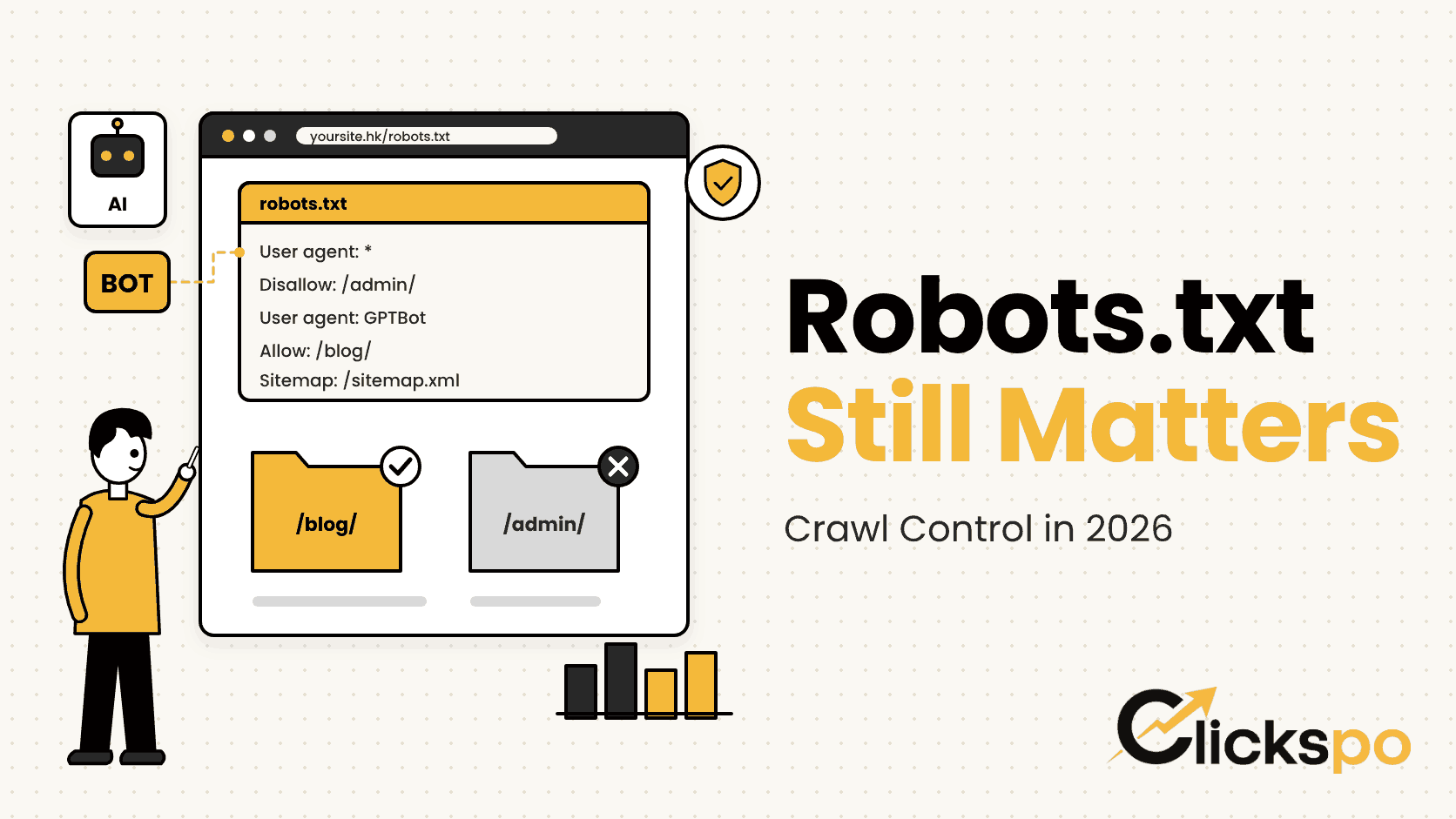
Robots.txt is one of the smallest files on any website, often just a few lines of plain text, yet it decides which parts of your site search engine crawlers are allowed to visit. In 2026 it carries a second job too: telling AI crawlers such as GPTBot whether they may read your content. When our team runs a technical review for a Hong Kong business, robots.txt is one of the first files we open, because one wrong line can quietly hide a whole website. So is robots.txt still important for SEO? Yes, and here is why.
What a Robots.txt File Is and What It Does
A robots txt file is a plain text file that sits at the root of your domain, for example yoursite.hk/robots.txt. Before a well behaved crawler visits your pages, it checks this file for instructions. Each group of rules names a crawler (or uses an asterisk for all of them) and then lists the paths it may or may not visit.
The file is built from a handful of simple directives:
- User agent line. Names the crawler the rules apply to, such as Googlebot, Bingbot or GPTBot.
- Disallow. Lists a path the crawler should not request, such as
/admin/. - Allow. Opens up a specific path inside a blocked folder.
- Sitemap. Gives the full address of your XML sitemap so crawlers can find it quickly.
Interest in the topic is steady. Ahrefs data for the US market shows “robots.txt” at 14,000 monthly searches, “robots txt file” at 600 and “robots.txt seo” at 350. Plenty of site owners are still trying to understand what this small file controls, and with AI crawlers now in the mix, the questions have become more specific.
Crawling vs Indexing: What Robots.txt Can and Cannot Do
This is the point we explain most often to clients. Robots.txt manages crawling, which is whether a bot requests a page. It does not directly manage indexing, which is whether a page appears in search results. Google’s documentation is clear on this: robots.txt is mainly for managing crawler traffic, and it is not a reliable way to keep a page out of Google.
If a blocked page has links pointing to it from elsewhere, Google can still index the URL without ever reading the content. The listing may show up with no description, which looks worse than if the page had been handled properly in the first place.
| Goal | Right tool | Why |
|---|---|---|
| Stop bots wasting time on admin or cart pages | Robots.txt Disallow | Controls which URLs are requested |
| Keep a thank you page out of search results | noindex meta tag | Google must crawl the page to see the tag |
| Point Google to the preferred version of a duplicate page | Canonical tag | Consolidates signals onto one URL |
| Protect private client documents | Password protection | Robots.txt is public and only a request |
| Help crawlers find important pages | XML sitemap plus a Sitemap line | Lists the URLs you want discovered |
One detail catches many teams out. If you add a noindex tag to a page and also block that page in robots.txt, Google cannot crawl the page to see the noindex, so the tag is never read. Choose one approach per page. For duplicate content, a canonical tag is usually the cleaner answer than blocking.
AI Crawlers: Should You Allow or Block GPTBot and Google Extended?
The biggest change to robots.txt in recent years has nothing to do with traditional rankings. AI companies now run their own crawlers, and most of them respect robots.txt rules. That turns the file into the main place where a business decides how its content is used by AI systems.
The Crawlers Worth Knowing
- GPTBot. OpenAI’s crawler, used to gather content that can improve its models.
- OAI SearchBot. OpenAI’s crawler for surfacing and linking websites in ChatGPT search results.
- Google Extended. Not a separate crawler but a control token. It lets you decide whether content Google crawls may be used for Gemini model training, without affecting Google Search.
- ClaudeBot and PerplexityBot. Crawlers from Anthropic and Perplexity, each documented by its company.
In the file itself, each of these appears in a user agent line, written with the exact name the company publishes (Google’s token, for instance, carries a hyphen between the two words). Always copy names from the official documentation rather than typing them from memory.
How We Help Clients Decide
There is no single right answer. It depends on your business model. A Hong Kong law firm, clinic or education centre that wants to be cited when people ask ChatGPT or Gemini about its services generally benefits from letting AI crawlers read its public pages. A publisher whose paid articles are the product may reasonably choose to block training crawlers while still allowing search focused ones.
What we want to avoid is an accidental decision. We regularly find AI crawlers blocked by a security plugin, a hosting default or a template copied from another site, with nobody on the client side aware of it. If being visible in AI answers matters to you, read our guide on AI search optimisation, then check that your robots.txt actually supports that goal. Our AI SEO service includes this review as standard.
The Sitemap Line: A Small Addition Worth Making
Adding a Sitemap line to robots.txt is one of the simplest technical tasks on any site, and one of the most often skipped. The line gives the full URL of your XML sitemap, for example Sitemap: https://yoursite.hk/sitemap_index.xml, and you can list more than one sitemap if your site has them.
Google and Bing both read this line, so even crawlers you have not submitted the sitemap to directly can find your key URLs. It does not replace submitting the sitemap in Google Search Console, but it is a useful backup that costs nothing. If you are unsure whether your sitemap itself is in good shape, our article on XML sitemaps covers what it should and should not contain.
On WordPress, plugins such as Rank Math or Yoast can generate both files, though it is still worth opening the live robots.txt to confirm the sitemap address is correct and on the right domain.
Common Robots.txt Mistakes We Find in SEO Audits
Most robots.txt problems are not complicated. They are small oversights that sit unnoticed for months. These are the ones our team sees most often:
- Staging rules left live after a launch. Developers often block the whole site with
Disallow: /during a build. If that line survives the move to the live domain, Google stops crawling everything. This is the first thing we check after any website launch or migration. - Blocking CSS and JavaScript. Older advice suggested blocking theme and script folders. Google renders pages much like a browser, so it needs those files to understand layout and mobile usability.
- Using robots.txt to hide sensitive pages. The file is public. Listing a private folder in it effectively advertises that folder to anyone who looks.
- Blocking pages that carry noindex. As covered above, this stops Google from ever seeing the noindex instruction.
- Typos and wrong case. Paths in robots.txt are case sensitive, so
/Blog/and/blog/are different rules. A missing slash can block far more than intended. - Forgetting subdomains. Each subdomain, such as a shop or booking subdomain, needs its own robots.txt file.
For online shops, the most common issue is the opposite problem: thousands of filter and sort URLs being crawled with no rules at all. On platforms such as Shopify, where the default file is managed for you, changes are made through a template, and our Shopify SEO work often starts there.
How to Check and Fix Your Robots.txt
Reviewing robots.txt takes minutes, and we recommend doing it after every launch, redesign or plugin change. Here is the process our team follows:
- Open the live file. Visit your domain followed by
/robots.txtand read every line. If you cannot explain what a line does, find out before leaving it in place. - Check the robots.txt report in Google Search Console. It shows which version Google last fetched and flags any errors it found.
- Test important URLs. Use the URL Inspection tool on your homepage, key service pages and top articles to confirm crawling is allowed.
- Review AI crawler rules. List which AI crawlers are allowed or blocked and confirm that matches what the business actually wants.
- Confirm the Sitemap line. Make sure it points to a working sitemap on the correct domain.
Robots.txt is one item in a wider crawlability review. A full technical SEO audit looks at it alongside redirects, canonicals, sitemaps and page speed, so issues are fixed together rather than one at a time.
FAQs About Robots.txt and SEO
Does every website need a robots.txt file?
Not strictly. Without one, crawlers assume they may visit everything. Most business sites still benefit from a short file that blocks admin areas and lists the sitemap.
Will blocking GPTBot affect my Google rankings?
No. GPTBot is OpenAI’s crawler and has no role in Google Search. Blocking it only affects how OpenAI may use your content.
Does blocking Google Extended remove my site from AI Overviews?
Google states that Google Extended does not affect inclusion in Google Search. AI Overviews are part of Search, so they follow your normal Googlebot rules instead.
How quickly does Google pick up robots.txt changes?
Google usually caches the file for up to about a day. You can ask for a faster refresh through the robots.txt report in Search Console after an urgent fix.
Can I use robots.txt to remove a page that is already indexed?
No. Allow Google to crawl the page, add a noindex tag, and wait for it to drop out. For urgent cases, the Removals tool in Search Console offers a temporary hide.