
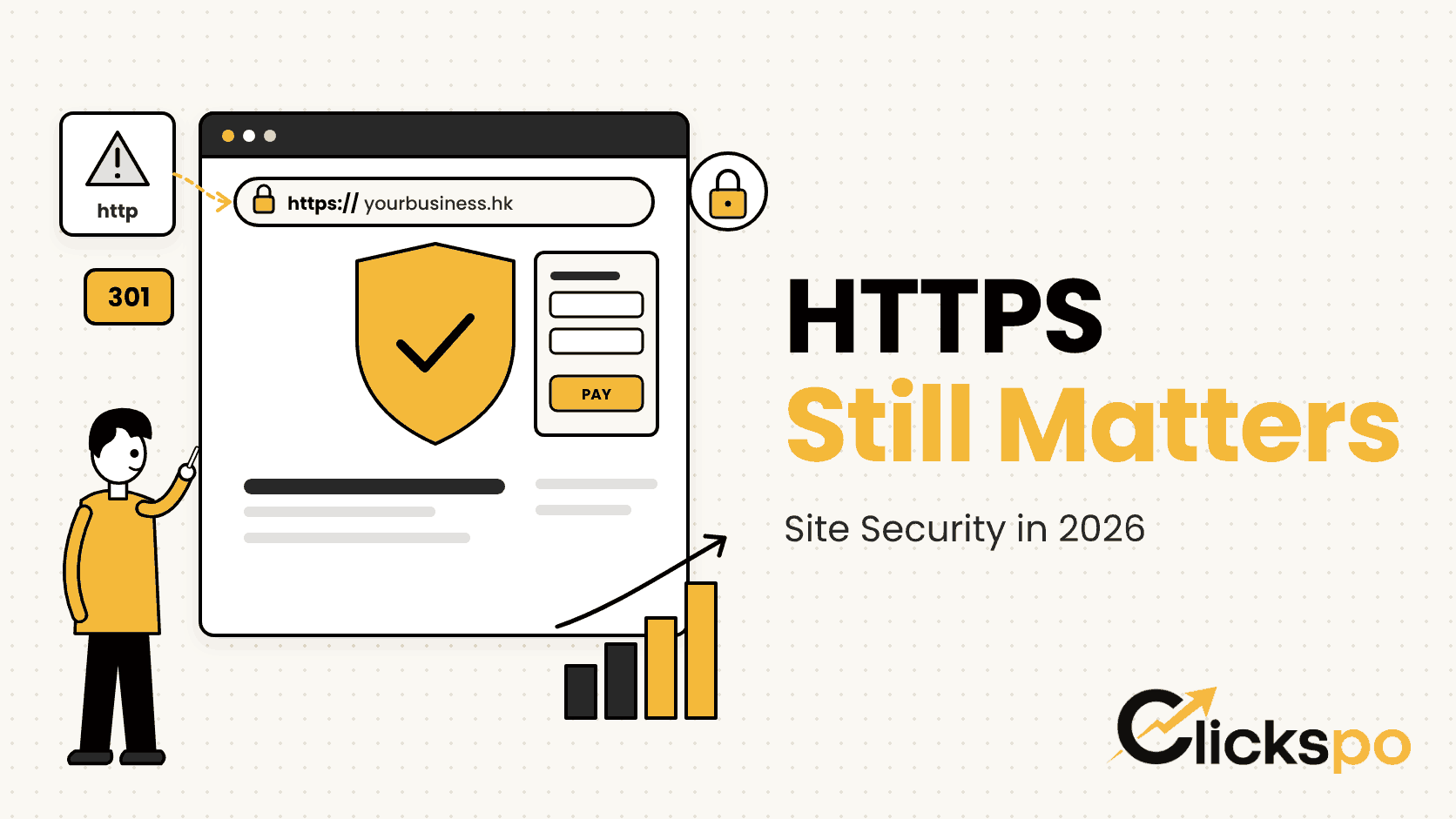
Look at the address bar of almost any website you visit today and you will see a small padlock or a clean https:// at the start of the URL. Encryption has become so normal that many Hong Kong business owners assume it no longer matters for search. Yet in our audits we still find clinics, law firms and retailers with insecure pages, broken redirects and mixed content warnings. So is HTTPS still important for SEO in 2026? Yes. It is a light ranking signal, a strong trust signal, and a foundation that every other technical fix depends on.
What HTTPS Is and Why It Exists
HTTPS stands for Hypertext Transfer Protocol Secure. It is the encrypted version of HTTP, the protocol browsers use to request and display web pages. The encryption comes from a TLS certificate, still widely called an SSL certificate, installed on your server. When a visitor loads an HTTPS page, the connection between their device and your site is encrypted, so nobody on the same network can read or alter what is sent.
In practical terms, HTTPS does three things:
- Encryption. Form entries, logins and payment details cannot be read in transit.
- Integrity. Content cannot be quietly modified between your server and the visitor, for example by an injected advert on public WiFi.
- Authentication. The certificate confirms the visitor is connected to your real domain and not an imitation.
People are still searching for clear answers on this. Ahrefs data for the US market shows “https seo” at around 1,000 monthly searches, with “http vs https seo” at 80 and “ssl certificate seo” at 70, all with very low keyword difficulty. The questions have not gone away, even though the technology is now everywhere.
Is HTTPS Still a Ranking Factor in 2026?
Yes, but a light one. Google announced HTTPS as a ranking signal back in 2014 and later folded it into its page experience signals. Its documentation still recommends serving sites over HTTPS, and Google has said that when two URLs show the same content, it prefers to index the HTTPS version. What Google has also made clear is that HTTPS works more like a tiebreaker than a lever. A secure page with thin content will not outrank a helpful page simply because of the padlock.
That is why we describe HTTPS as a foundation rather than a growth tactic. It removes a reason for search engines and visitors to hesitate, and it lets the rest of your work count properly.
Where HTTPS Influences Search Indirectly
The indirect effects are usually larger than the direct signal:
- Referral data. When traffic moves from an HTTPS site to an HTTP site, the referrer is usually stripped, so your analytics lose track of where visitors came from.
- Modern performance features. HTTP/2 and HTTP/3, which help pages load faster, are only supported by browsers over encrypted connections. That makes HTTPS part of good page speed work.
- Browser features. Geolocation, service workers and many payment APIs only run on secure pages.
- Crawl clarity. A single secure version of each URL avoids duplicate pages competing with each other in the index.
HTTPS as a Trust Signal for Visitors
Chrome, Safari, Edge and Firefox all flag HTTP pages as Not Secure, and the warning becomes more prominent when a visitor starts typing into a form. For a medical clinic asking for a patient’s name and phone number, or a law firm collecting enquiry details, that label appears at exactly the wrong moment. Some browsers now go further and show a full page warning before loading an HTTP site at all.
Trust also shapes how people interact with your listing before they click. Many users glance at the URL in search results and in shared links on WhatsApp or WeChat. A plain http:// address looks dated next to competitors, and that impression carries over to your brand, even if your service is excellent.
Forms, Logins and Payments
Any page that collects information needs HTTPS. That includes contact forms, booking widgets, newsletter signups, member areas and checkout pages. Payment gateways and card processing standards expect encrypted connections, and an online store without HTTPS would struggle to take card payments at all. Platforms such as Shopify issue certificates automatically, which is one reason we rarely see this issue on Shopify SEO projects. Custom builds and older WordPress installs are where gaps tend to appear.
Mixed Content: The Hidden HTTPS Problem
Installing a certificate is only half the job. Mixed content happens when a secure page loads some resources, such as images, scripts, fonts or embedded videos, over plain HTTP. Browsers block many of these requests automatically, which can break sliders, booking forms or tracking scripts without any obvious error on your side. Where they do load, the padlock may disappear or show a warning.
Here is how the common issues compare:
| Issue | What visitors see | How we fix it |
|---|---|---|
| HTTP images on a secure page | Padlock warning or missing images | Update image URLs in the database to HTTPS |
| HTTP scripts or stylesheets | Broken layout or features that stop working | Change the source to HTTPS or host the file locally |
| Hardcoded links in theme files | Warnings on every page using that template | Edit the template and use relative or HTTPS paths |
| Old embeds from third parties | Blank boxes where videos or maps should be | Replace with the provider’s current HTTPS embed code |
A crawler such as Screaming Frog or Ahrefs Site Audit will list every mixed content URL, which makes the clean up finite and manageable.
Migrating From HTTP to HTTPS Without Losing Ground
Most Hong Kong sites moved to HTTPS years ago, but we still see migrations that were never finished. The site loads on HTTPS, yet old signals keep pointing at HTTP. A careful migration treats the change like a site move, because to Google that is effectively what it is. This is the sequence our team follows:
- Install and test the certificate. Cover the main domain and every subdomain you use, and set it to renew automatically.
- Add 301 redirects. Each HTTP URL should redirect directly to its HTTPS equivalent in one step, not through a chain of hops.
- Update canonical tags. Every page should declare its HTTPS URL as canonical. Leftover HTTP canonicals send mixed messages, which we cover in our guide to canonical tags in 2026.
- Update internal links. Change links in menus, footers and body content so they point at HTTPS directly instead of relying on redirects.
- Resubmit the sitemap. List only HTTPS URLs and submit it in Search Console. Our article on XML sitemaps explains why that file still matters.
- Verify the HTTPS property. Add it in Google Search Console if it is not already there, and watch the indexing reports for errors.
Once the move is stable, you can add an HSTS header, which tells browsers to always use HTTPS for your domain. We recommend switching it on only after every subdomain is confirmed secure, since it is hard to reverse quickly.
How We Check HTTPS During a Technical Audit
HTTPS is one of the first items we review in a technical SEO audit, because problems here affect everything else on the list. Our checks include:
- Whether http://, https://, www and non www versions all resolve to one preferred URL
- Redirect chains and loops created by plugins, CDNs or hosting rules
- Canonical, hreflang and sitemap URLs that still reference HTTP
- Mixed content across key templates such as service pages, blog posts and checkout
- Certificate coverage and expiry dates, including staging and booking subdomains
For bilingual sites with separate English and Traditional Chinese folders, we check both language versions, since redirects and hreflang tags are often set up differently on each. The goal is simple: one clear, secure version of every page.
FAQs About HTTPS and SEO
Does a paid SSL certificate rank better than a free one?
No. Google treats a valid certificate from Let’s Encrypt the same as a paid one for search purposes. Paid certificates can offer extra validation or warranty, which some businesses want for other reasons, but they carry no added SEO weight.
Will moving to HTTPS cause a temporary drop in visibility?
Some fluctuation is normal while Google recrawls the site and processes the redirects. With clean 301s, updated canonicals and a fresh sitemap, the move is usually absorbed smoothly. Problems tend to come from incomplete migrations rather than the switch itself.
Do I need HTTPS if my site has no forms or payments?
Yes. Browsers still label HTTP pages as Not Secure regardless of what they contain, and you lose the performance and referral benefits. Certificates are now free on most hosting, so there is little reason to skip it.
What happens if my certificate expires?
Visitors see a full screen browser warning and most will leave immediately. Googlebot may also struggle to crawl the site until it is fixed. Automatic renewal and a calendar reminder for any manual certificates prevent this.
Does HTTPS matter for AI search tools?
AI assistants and answer engines rely on crawlers that read the web much like Googlebot. A secure, consistent site with one version of each page is easier for any crawler to fetch and cite. It is a baseline, not a shortcut.