
Alt text is one of the quietest elements on any web page. Most visitors never see it, many site owners forget it exists, and plenty of CMS setups leave it blank by default. Yet every time we run an audit for a Hong Kong business, missing or poorly written alt text appears near the top of the issue list. So is alt text still important for SEO in 2026, with Google now able to read images with machine learning? The short answer is yes, and the reasons have widened rather than narrowed.
What Alt Text Is and What It Does
Alt text, short for alternative text, is a written description attached to an image in your HTML. It looks like this in code:
<img src="checklist.webp" alt="SEO checklist showing title tag, meta description and heading checks">
It serves three jobs at once:
- Accessibility. Screen readers read alt text aloud, so visitors with visual impairments understand what an image shows.
- Fallback content. If an image fails to load, the browser displays the alt text in its place.
- Search context. Search engines and AI systems use alt text as one of the signals that explain what an image contains and how it relates to the page.
Search interest in the topic is steady. Ahrefs data for the US market shows “what is alt text” at 2,300 monthly searches and “alt text SEO” at 2,000, both with very low keyword difficulty. That tells us plenty of people are still asking the question, and few pages answer it well.
Does Alt Text Still Affect SEO in 2026?
Yes. Google’s own image SEO documentation continues to recommend descriptive alt text, and it states that Google uses alt text along with computer vision and the surrounding page content to understand images. Computer vision has improved enormously, but it has not made alt text redundant. It has changed what alt text is for.
An image recognition model can tell that a photo shows a dental chair. It cannot tell that the chair is in your Causeway Bay clinic, or that the chart in your article compares SEO pricing across three service tiers. Alt text supplies that context, and context is what connects an image to a specific search.
Where Alt Text Makes a Difference
The impact shows up in a few distinct places:
- Google Images. Image search is still a meaningful traffic source for visual industries such as interiors, food, beauty and retail.
- Image packs in regular results. Many queries show a row of images directly on the main results page.
- Page relevance. Alt text is part of the page’s content, so it adds topical context alongside headings and body copy.
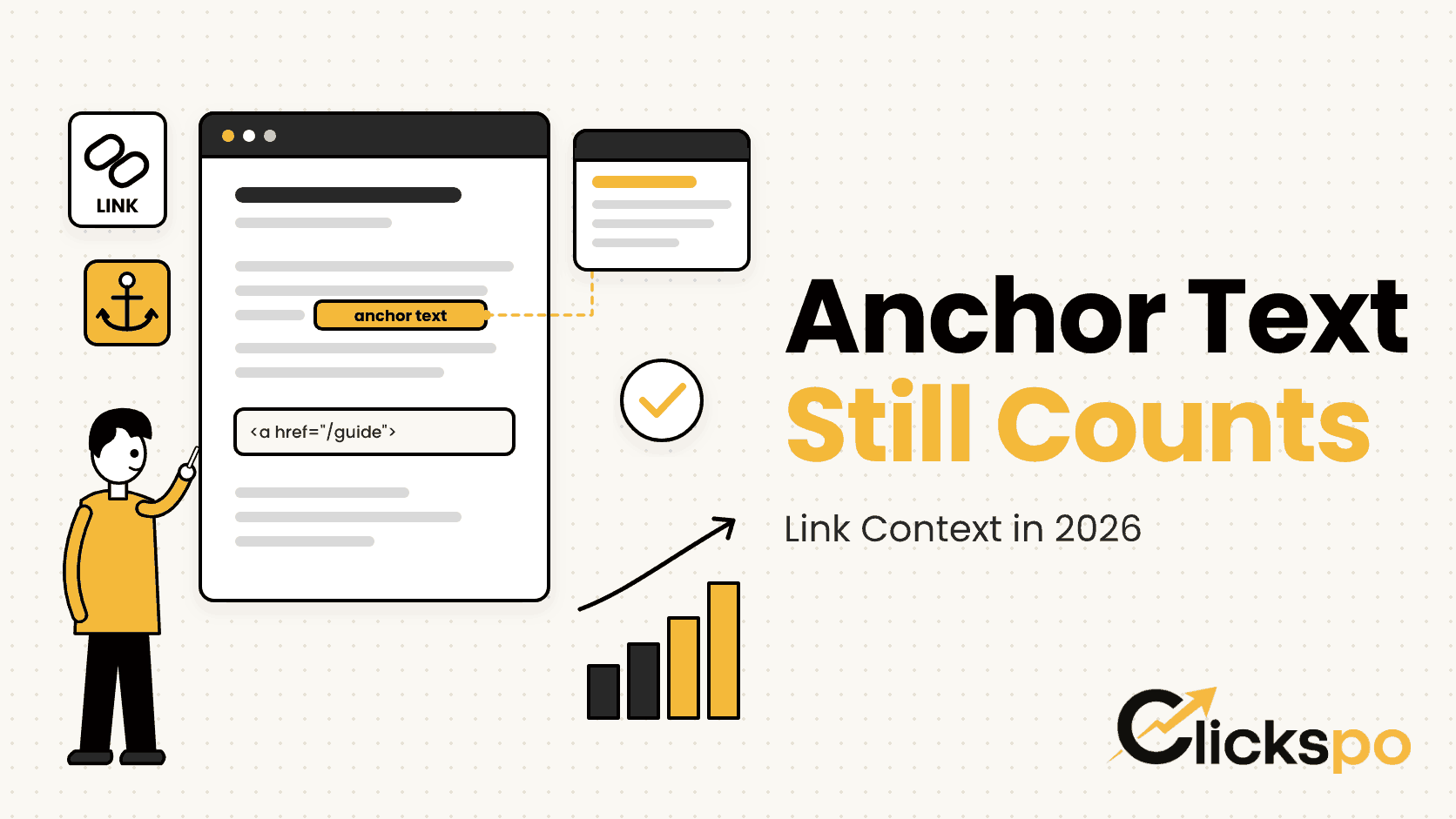
- Linked images. When an image is used as a link, its alt text acts as the anchor text for that link.
What Alt Text Will Not Do
Alt text is a supporting signal, not a shortcut. Writing a keyword into every image on a weak page will not lift it above stronger competitors. It works best alongside the fundamentals: a clear H1 tag, useful content and a technically sound site.
Alt Text, Accessibility and AI Search
Two shifts have made alt text more relevant in 2026, not less.
The first is accessibility. Accessibility expectations keep rising across Hong Kong and internationally, and alt text is one of the most basic requirements in the Web Content Accessibility Guidelines. A site that describes its images properly is easier to use for everyone, and that quality shows in how visitors engage with it.
The second is AI search. AI Overviews and assistants such as ChatGPT and Perplexity build answers from pages they can understand clearly. Descriptive alt text, like clean structured data, removes guesswork about what your images show. We cover the wider picture in our guide to AI search optimisation.
How to Write Alt Text That Works
Good alt text describes the image for someone who cannot see it, in the context of the page it sits on. The table below shows the difference in practice.
| Image | Weak alt text | Strong alt text |
|---|---|---|
| Clinic reception photo | image1 | Reception area of a physiotherapy clinic in Wan Chai |
| Product photo | ring ring diamond ring best ring | Lab grown diamond solitaire ring in yellow gold |
| Chart in a blog post | chart | Bar chart comparing organic traffic before and after a site migration |
| Team photo | photo of team | Clickspo team reviewing a keyword map in the Sheung Wan office |
| Decorative divider | divider line | Leave the alt attribute empty so screen readers skip it |
A few rules our team follows on every project:
- Describe what is actually there. Lead with the subject of the image, then add the detail that matters for the page.
- Keep it concise. Around 125 characters is a sensible ceiling, since some screen readers cut longer text short.
- Use keywords only where they fit. If the image genuinely shows the topic, the keyword will appear naturally. If it does not, leave it out.
- Skip “image of” and “picture of”. Screen readers already announce that the element is an image.
- Leave decorative images empty. Use an empty alt attribute for spacers, dividers and background flourishes.
- Write unique text for each image. Copying the same alt text across a gallery helps nobody.
Common Alt Text Mistakes We Find in SEO Audits
When we run a technical SEO audit, alt text issues tend to fall into the same patterns. The most frequent is simply missing alt text, often across an entire media library uploaded before anyone thought about it.
The next most common is file names used as alt text, such as “IMG_4521” or “banner final v2”. These give search engines and screen readers nothing useful. Keyword stuffing comes third: alt attributes packed with service names and locations that bear no relation to the image.
On WordPress sites, there is an extra trap. Alt text set in the media library does not always carry through to images placed inside page builders, and featured images are frequently left without any description at all. A proper WordPress SEO setup checks both. It is also worth pairing alt text work with image compression, since heavy images hold back page speed regardless of how well they are described.
How to Audit and Fix Alt Text on Your Site
Fixing alt text is one of the more manageable SEO tasks, because it is finite and fully within your control. A practical process looks like this:
- Crawl the site with a tool such as Screaming Frog or Ahrefs Site Audit and export every image with missing or empty alt text.
- Separate decorative images, which should stay empty, from content images, which need a description.
- Prioritise images on your most visited pages and on service pages first.
- Write descriptions in batches, then spot check them in the page itself rather than only in the media library.
- Add alt text writing to your publishing checklist so new content never ships without it.
Once the backlog is cleared, keeping alt text in good shape takes a few seconds per image.
FAQs About Alt Text and SEO
Is alt text the same as an image title?
No. The title attribute shows as a tooltip when someone hovers over an image, and it carries very little weight for search. Alt text is the description that screen readers and search engines rely on, so it is the one to prioritise.
Should every image have alt text?
Every content image should. Purely decorative images should have an empty alt attribute instead, which tells screen readers to skip them. What you want to avoid is the alt attribute being missing altogether.
Can Google understand images without alt text?
To a degree. Google uses computer vision and the surrounding text to interpret images, but it cannot know the specific context you intend, such as a location, product variant or what a chart is comparing. Alt text fills that gap.
Does alt text help with AI search results?
It helps AI systems understand your images accurately, which supports how clearly your page is interpreted overall. It is one part of making content easy to read for machines, alongside clear headings and structured data.
Should I write alt text in Chinese for Chinese pages?
Yes. Alt text should match the language of the page it sits on. For bilingual sites, the English page uses English alt text and the Traditional Chinese version uses Traditional Chinese, even when the image itself is the same.